Everything Tell can do with a screenshot
Tell analyzes screenshots using specialized modes - built to turn pixels into something useful.
A screenshot becomes something useful.
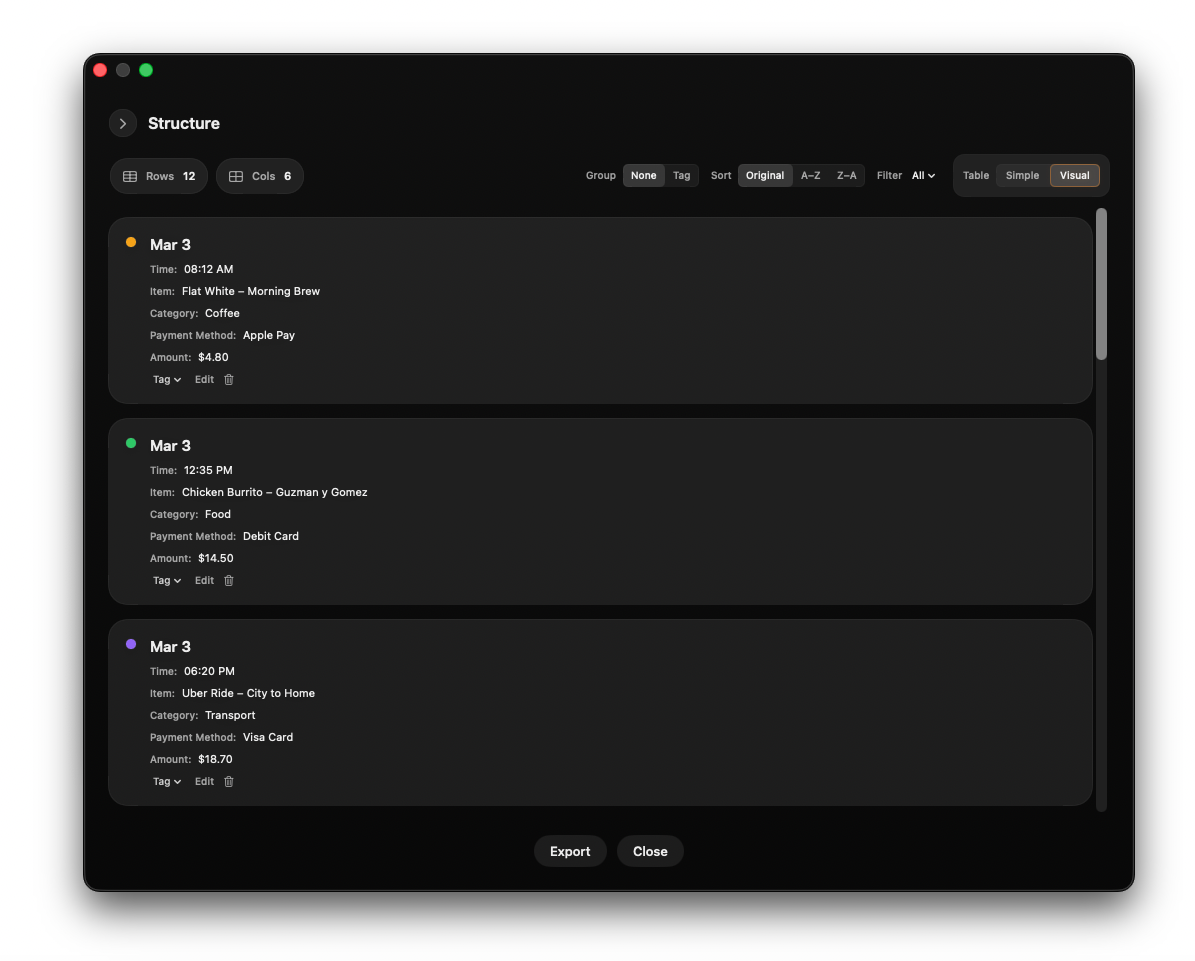
Screenshot → Table
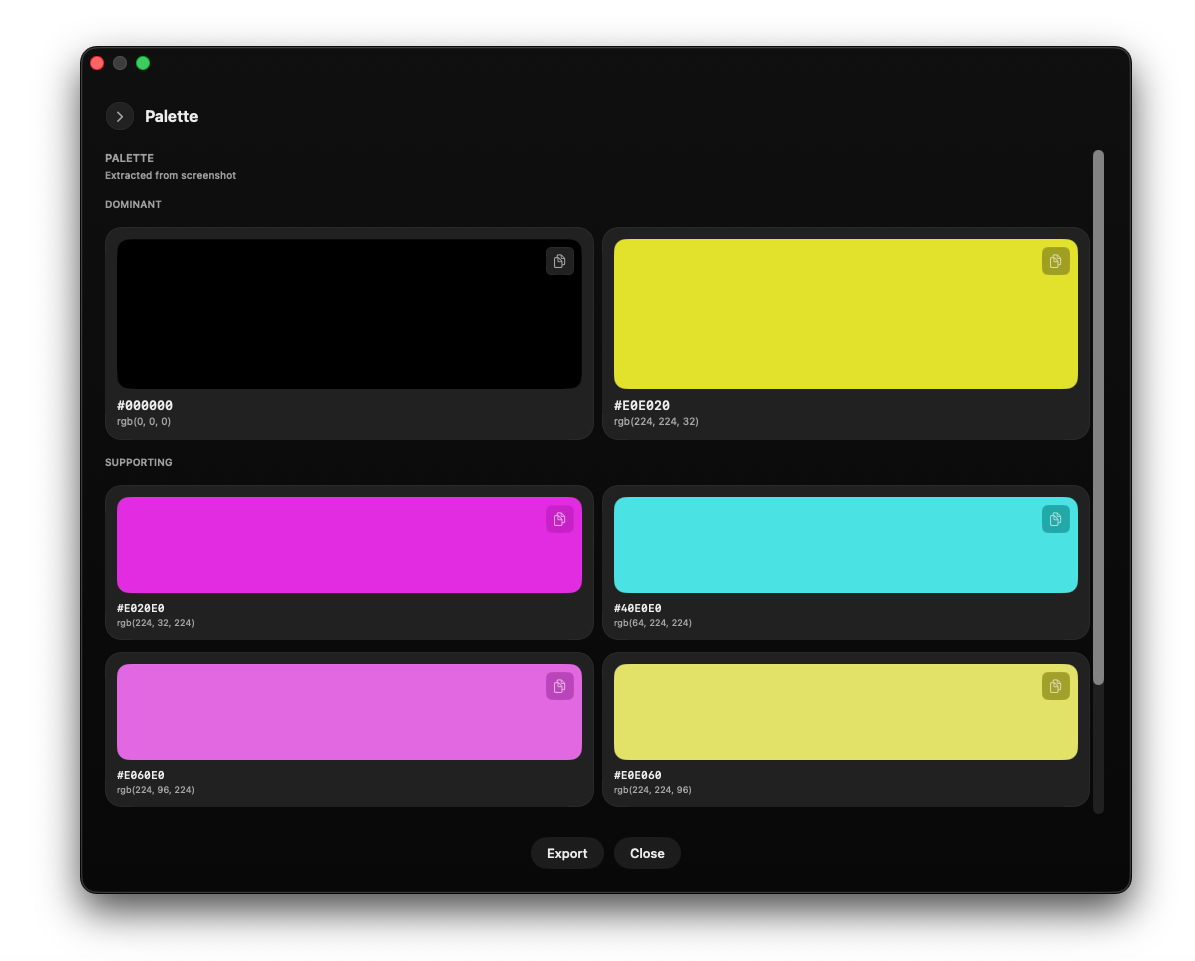
Screenshot → Palette
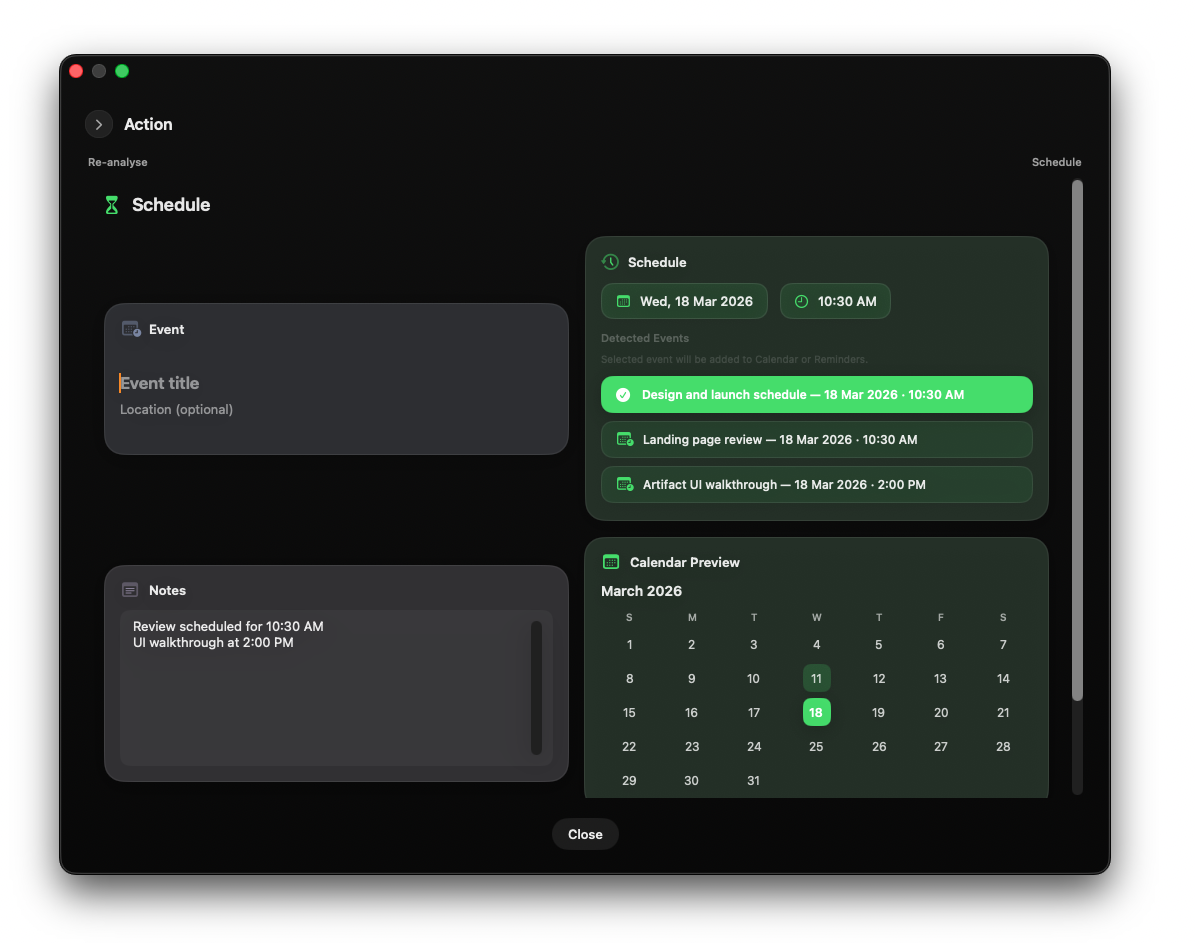
Screenshot → Event / Action
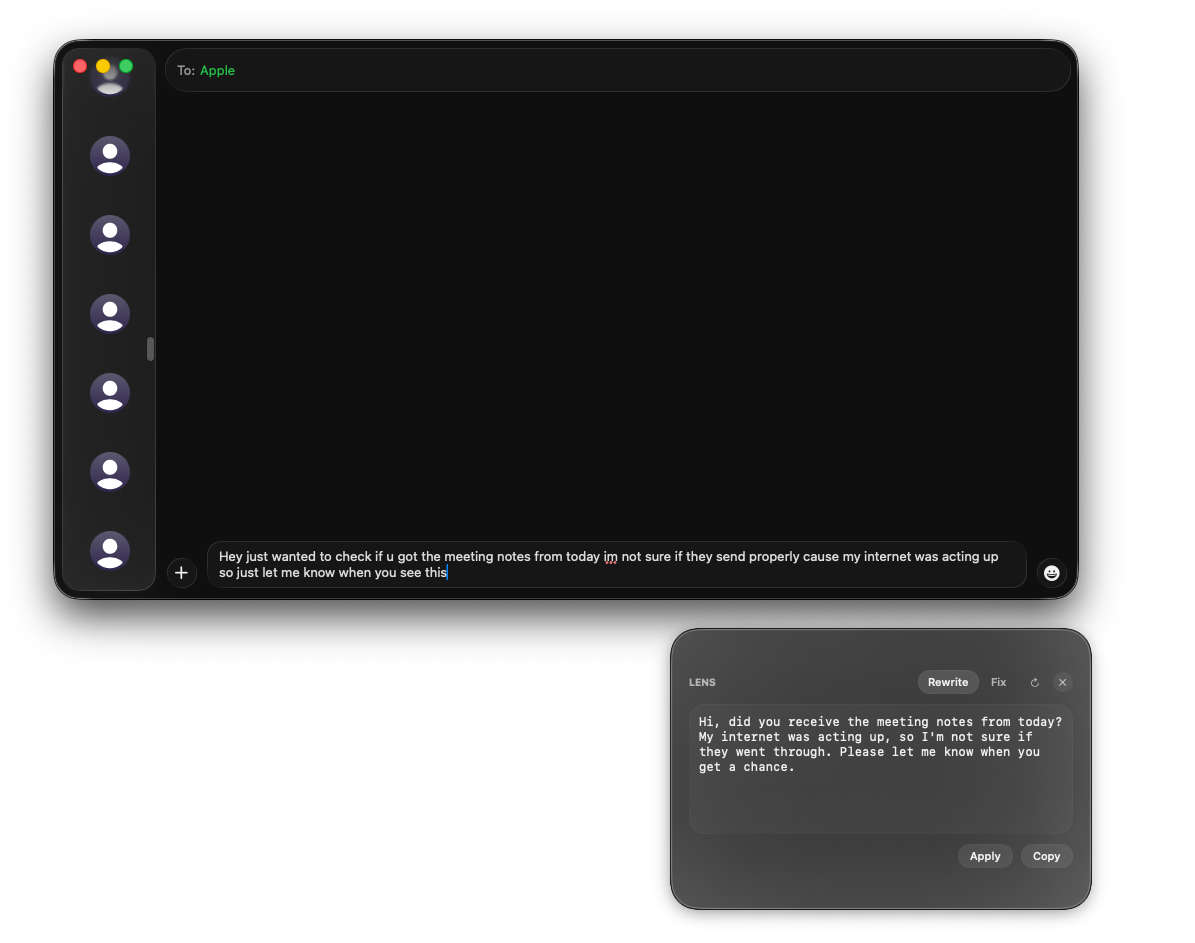
Lens
Rewrite and fix text anywhere
Lens helps you instantly rewrite or correct text anywhere on your screen - without breaking your flow.
Rewrite messages in the right tone.
Fix grammar, clarity, and awkward phrasing.
Copy or apply the result instantly.
Table
Turn screenshots into structured tables
Table mode reconstructs visible structure from screenshots and converts it into clean, usable data.
Detect rows and columns automatically.
Structure messy visual data.
Export clean tables instantly.
Design
Extract design information from anything
Tell understands visual design elements in screenshots - colors, spacing, typography, and layout structure.
- Colors
- Spacing
- Typography
- Layout structure
Action
Turn screenshots into actions
Tell interprets context and generates useful outputs.
Detect meaning beyond raw text.
Identify schedules, code issues, and structured context.
Turn screenshots into usable outputs.
What Tell understands
Schedule
Detect dates and timing inside screenshots, then turn them into calendar-ready events.
- Detect dates, deadlines, and meeting times
- Create structured event suggestions
- Send directly to Calendar or Reminders
Dev
Analyze code screenshots and explain what's broken, why it happened, and how to fix it.
- Detect syntax and structural issues
- Explain likely root causes
- Suggest clear next steps
Design
Break down layouts into useful design information, including typography, spacing, color, and structure.
- Extract typography and spacing cues
- Identify layout and component structure
- Turn visual references into structured design data
Screenshots are just the beginning.
Tell turns pixels into real output:
Tables · Events · Palettes · Code insight · Rewritten text
One screenshot becomes something you can actually use.